Choosing a style6 min read
Blur vs pixelate vs black box: which redaction is actually safe?
Blur feels private, but it is not a guarantee. Here is how the four redaction styles compare, and when each one is appropriate.
Published
Every redaction style changes the pixels. Only one of them reliably removes the information those pixels contain.
The right style depends on the risk. A blurred face in the background of a holiday photo is a different problem from a blurred card number on an invoice. Treating them the same is how people end up sharing more than they intended.
The risk in one paragraph
Blurring and pixelation reduce detail, but they do not erase it. Researchers have repeatedly shown that low-resolution images, lightly blurred text, and pixelated faces can be partially reconstructed with the right model or enough guesses. The result does not have to be perfect to be harmful. A partial card number, a recognisable face, or a short email address can still be used.
Ink black
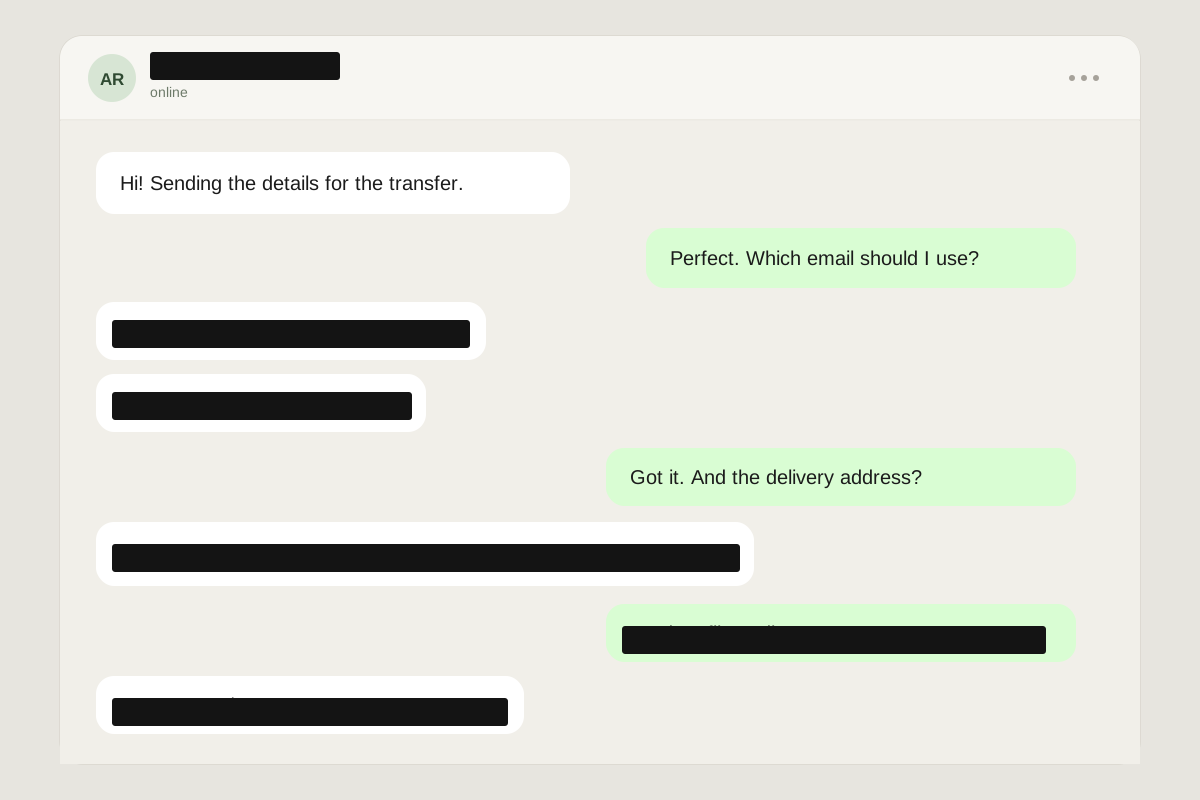
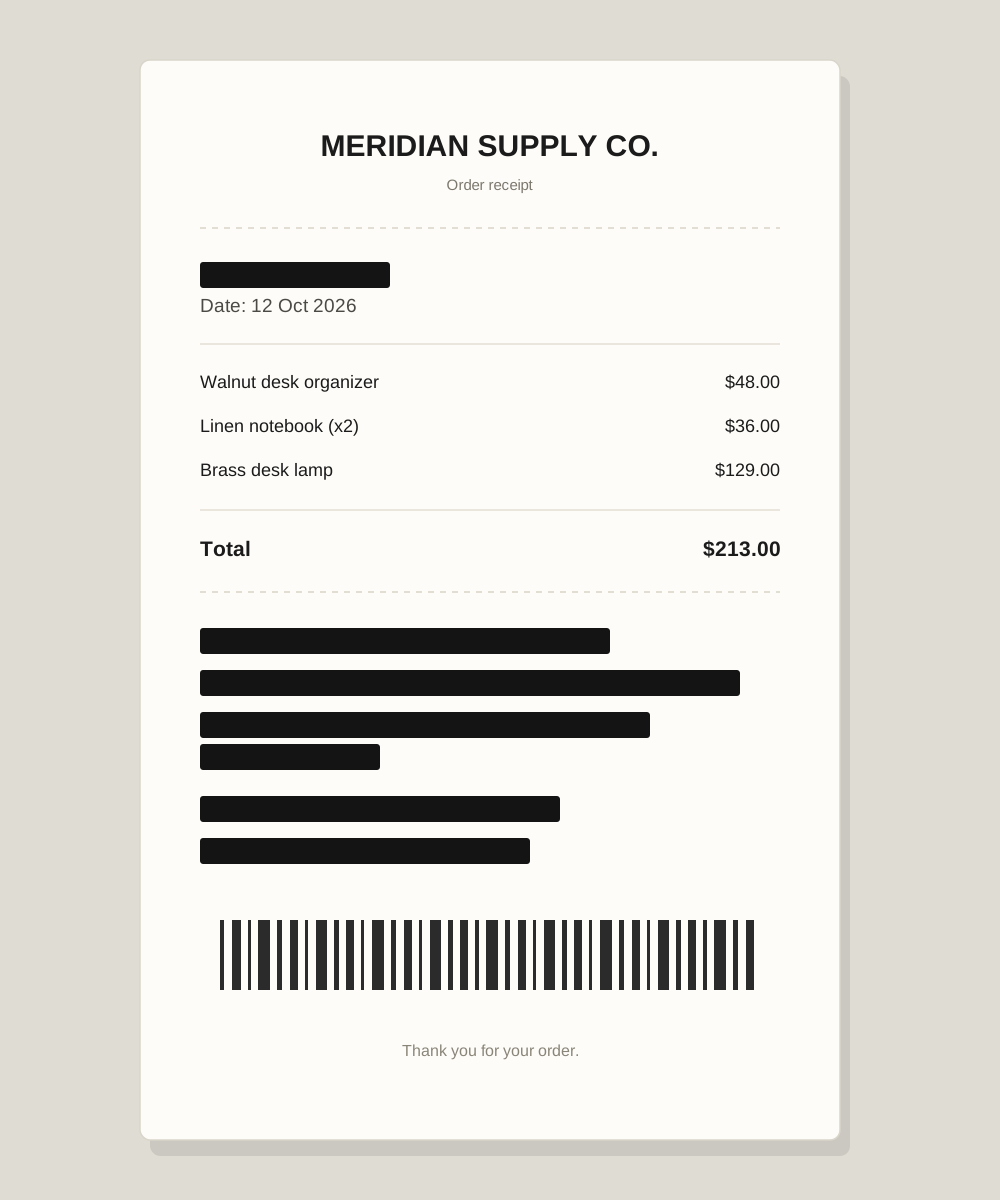
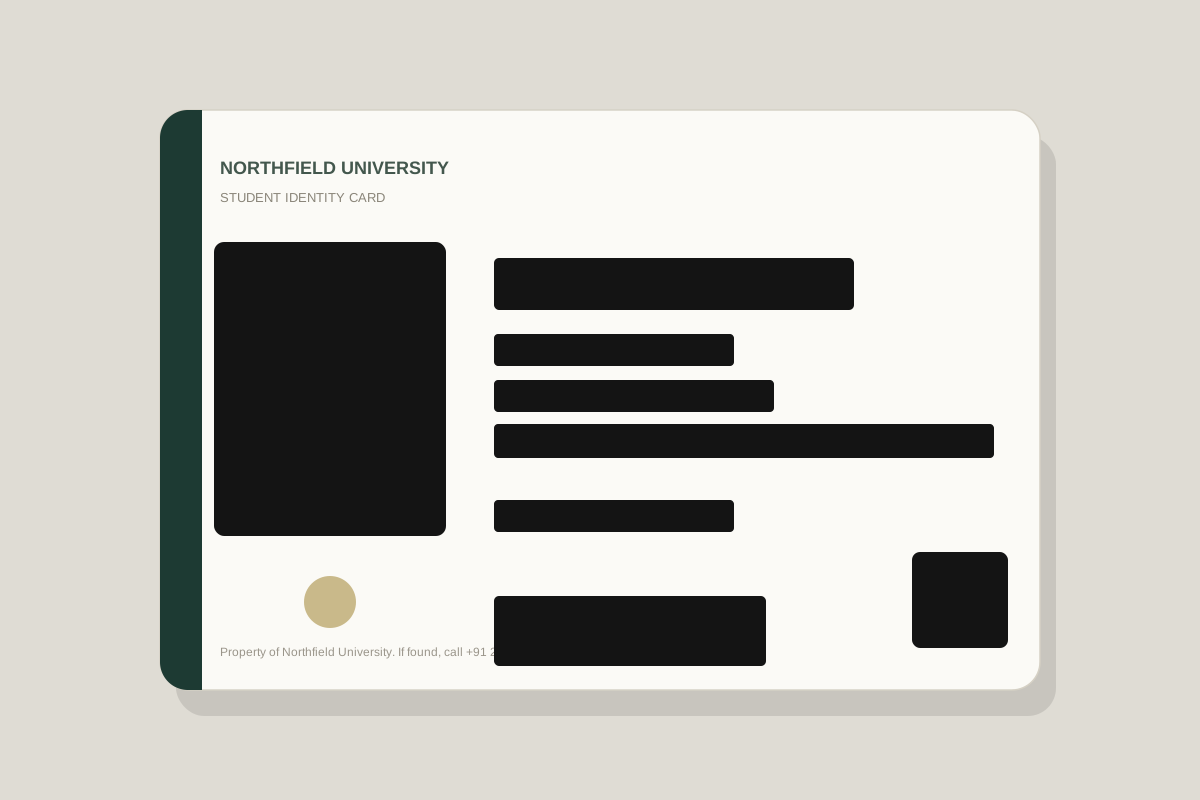
Ink draws a solid, opaque shape over the original pixels. There is no gradient to reverse and no pattern to analyse. It is the default in this editor for a reason. The one thing to watch is coverage: make the box slightly larger than the text, and zoom in to confirm no ascender or punctuation mark is left outside.
Pixelate
Pixelation replaces an area with large colour blocks. It looks decisive, but the blocks are averages of the original pixels. With a small block count or a short piece of text, the shape of the letters can survive. Use it for decorative obscuring, not for an ID number or an email address.
Blur
Blur is the most natural-looking option and the weakest guarantee. A light Gaussian blur preserves the layout and often the word shapes. Faces can remain recognisable at surprisingly strong blur radii. It is a reasonable choice for a face in a crowd when the image will stay small and the person is not the subject — and a poor choice for a passport photo or a bank statement.
Emoji sticker
The emoji style in this editor is not a floating transparent character. It draws an opaque white plate first, then the emoji on top. That means the area is covered even if the emoji is smaller than the box. It is a friendly look for a face in a group chat, provided the box fully covers the face and any name nearby.
The style that always wins: crop
If a detail is not needed for the point you are making, remove it from the frame entirely. Crop the screenshot to the message, the total, or the one row that matters. A crop cannot be unblurred. It also makes the image smaller and easier to read.
A simple rule
- Identity, money, or account access: ink black or crop.
- A face in a public scene: blur only when the face is not the subject and the image will stay small; otherwise ink.
- Casual visual noise: pixelate or emoji.
- Anything going on a public profile: crop first, verify second, post last.
A redaction can look convincing in an editor at 40% zoom. Check the exported file at 100%. If you can read it, assume someone else can too.
The short version
- Ink and cropping are the only styles that reliably remove information.
- Blur and pixelation can leak text and faces.
- Judge the final export at full size, not the editor preview.
Put it into practice with a sample image.